
App Overview
Frequently Asked Questions
Everything you need to know about setting up and using Sonidata for your field recordings.
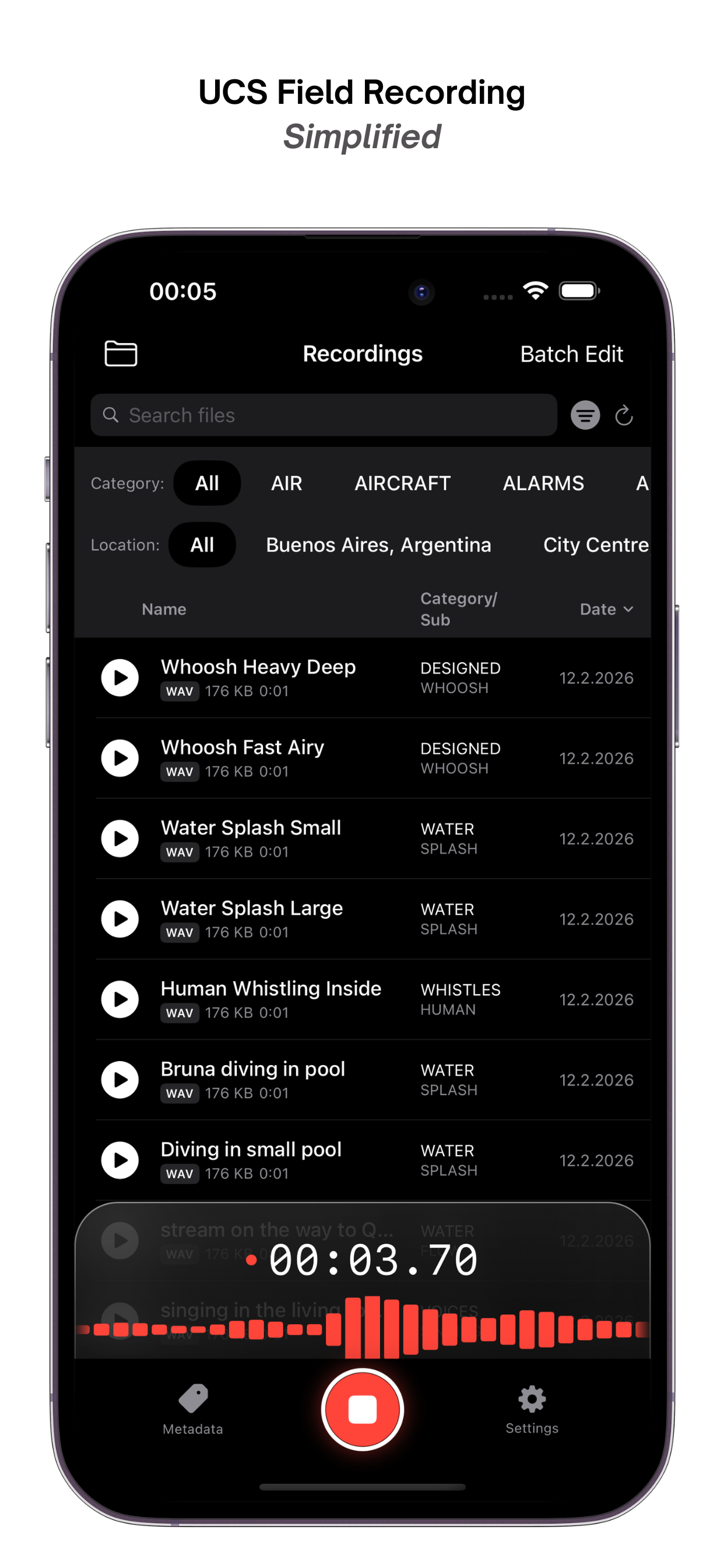
Sonidata supports professional-grade audio recording in WAV format at 48kHz/24bit (Pro) and 44.1kHz/16bit (High). For longer sessions or when storage space is a priority, you can also record in compressed M4A format.
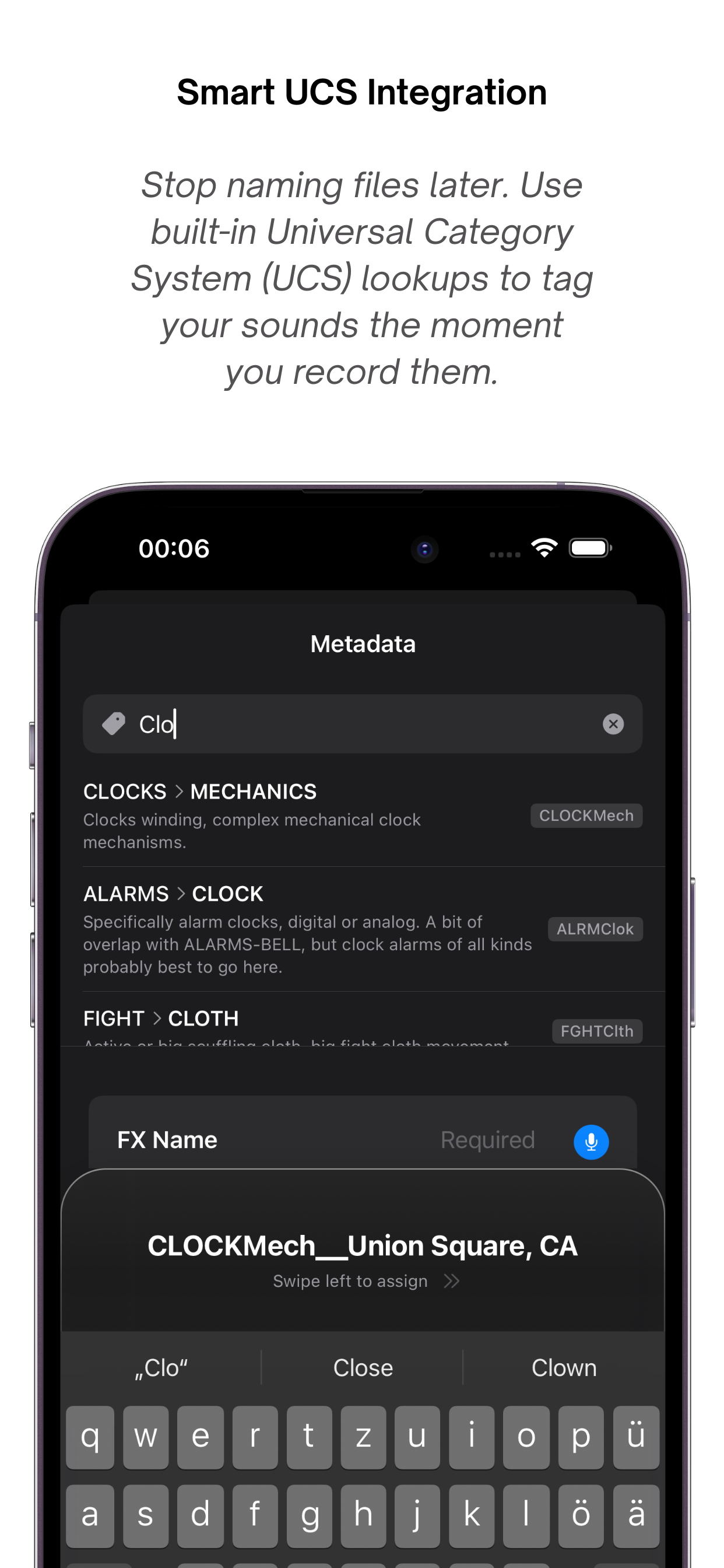
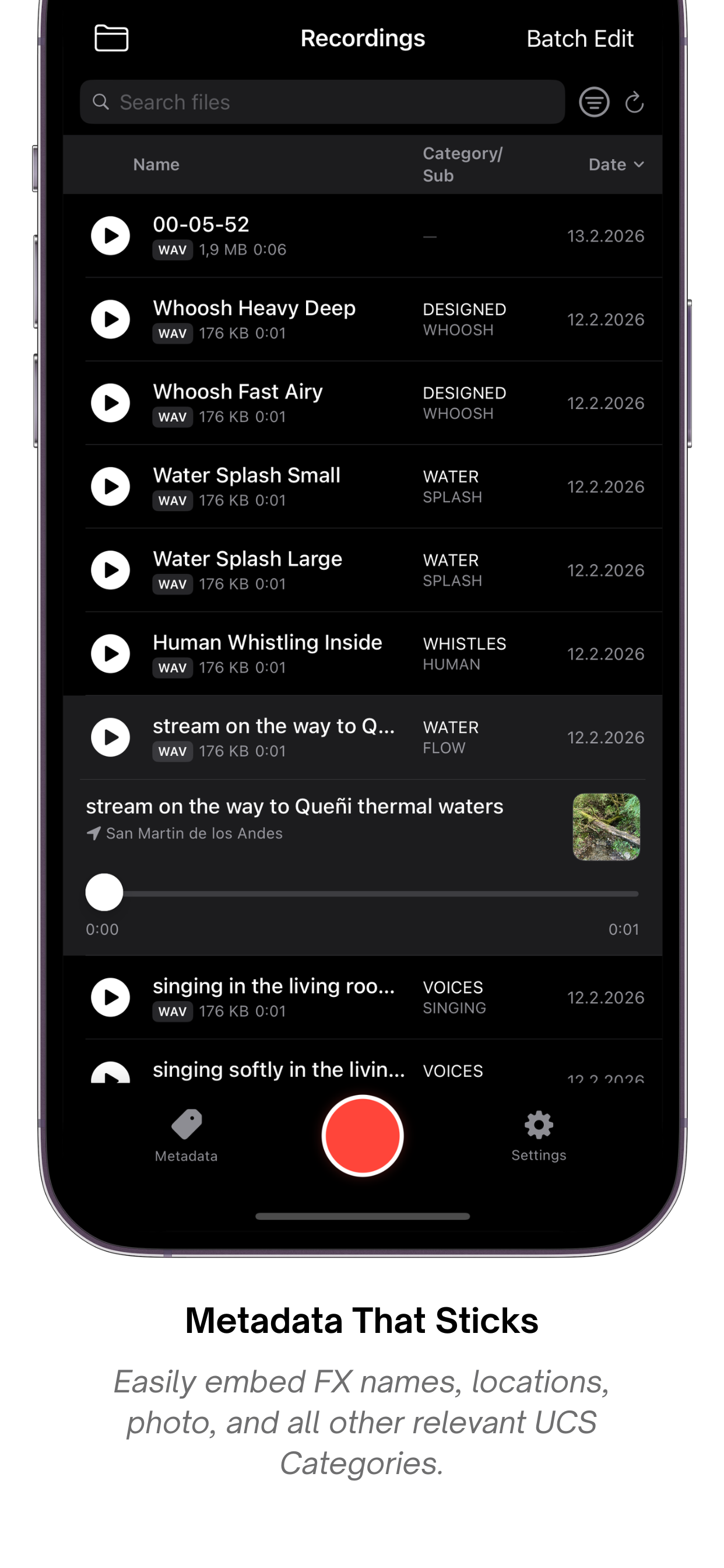
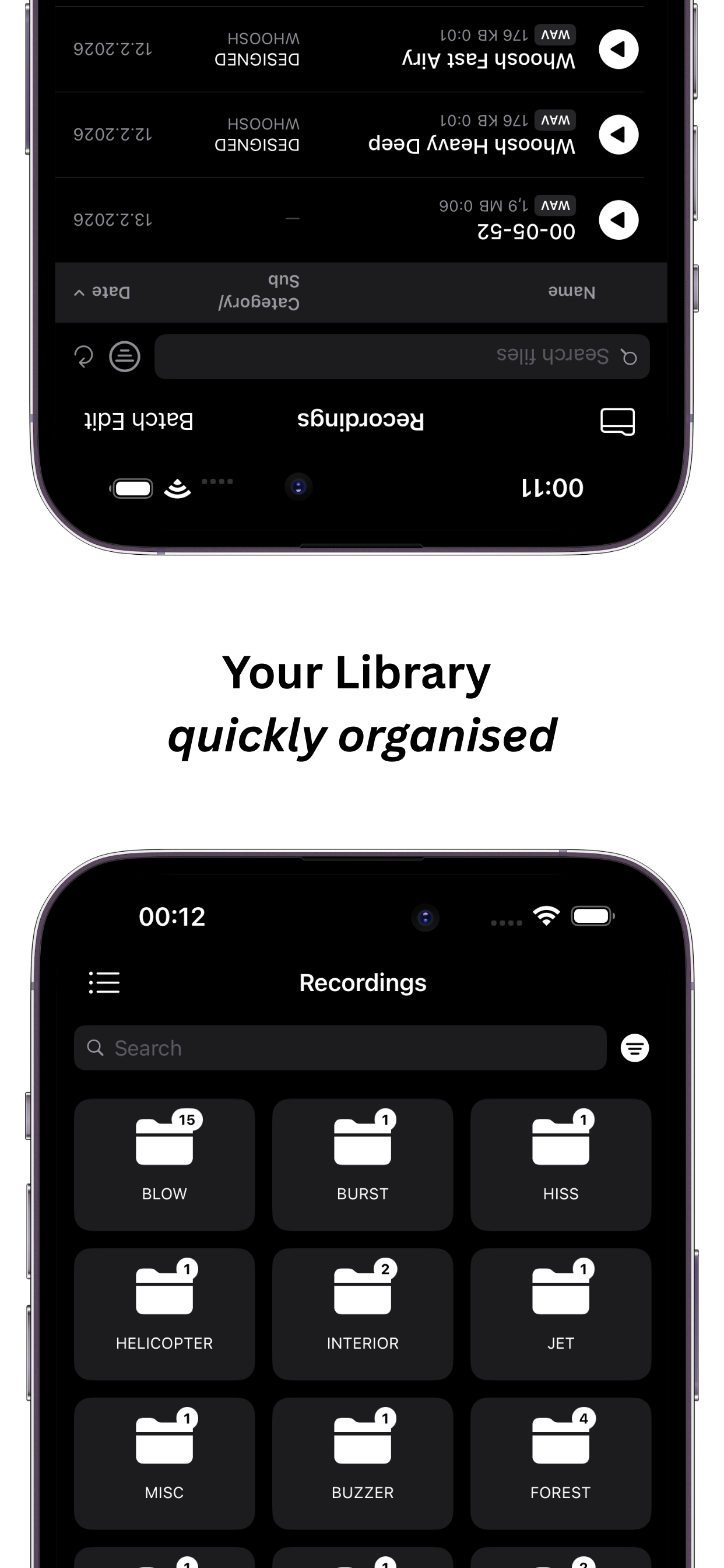
Sonidata fully integrates the Universal Category System (UCS v8.2) for standardizing sound effects metadata. When you tag a recording, you can assign it a Category, Subcategory, CatID, FX Name, Creator ID, Source ID, and Location. Sonidata then automatically renames the file to a UCS-compliant format (e.g., ANMLDog_Bark-Close_Creator_Mic_Location.wav) and can seamlessly organize your files into a matching folder hierarchy.
Voice Slate uses Apple's native SFSpeechRecognizer for on-device speech-to-text. Tap the microphone icon next to the FX Name field, speak clearly, and the transcription appears instantly. It injects dynamic contextual hints from UCS categories to improve accuracy for sound design terminology. All processing happens entirely on your device — completely private.
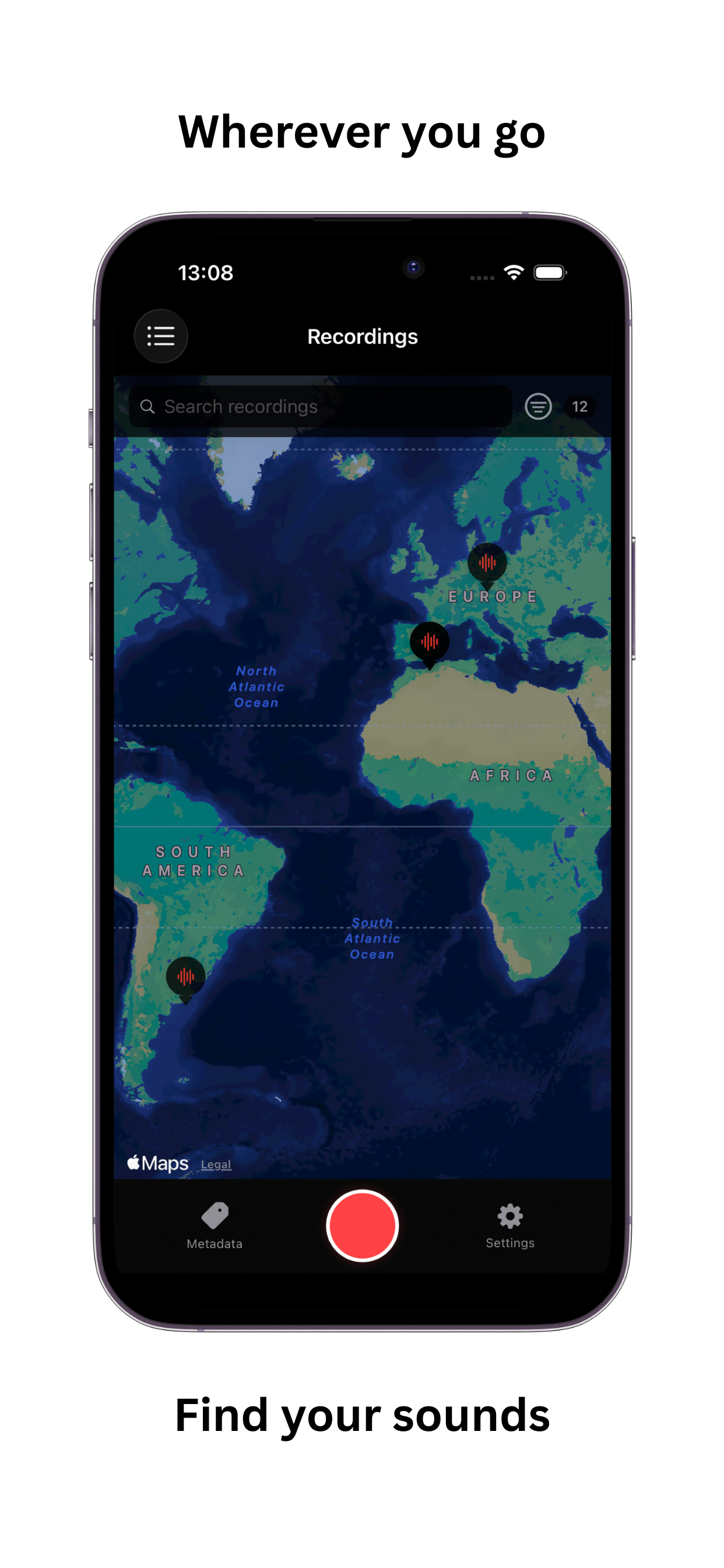
Yes, Sonidata can autofill location metadata using your device's GPS. With location permissions enabled, it performs reverse geocoding to attach precise mapping data and full addresses to the recordings' metadata, which is embedded securely into the file.
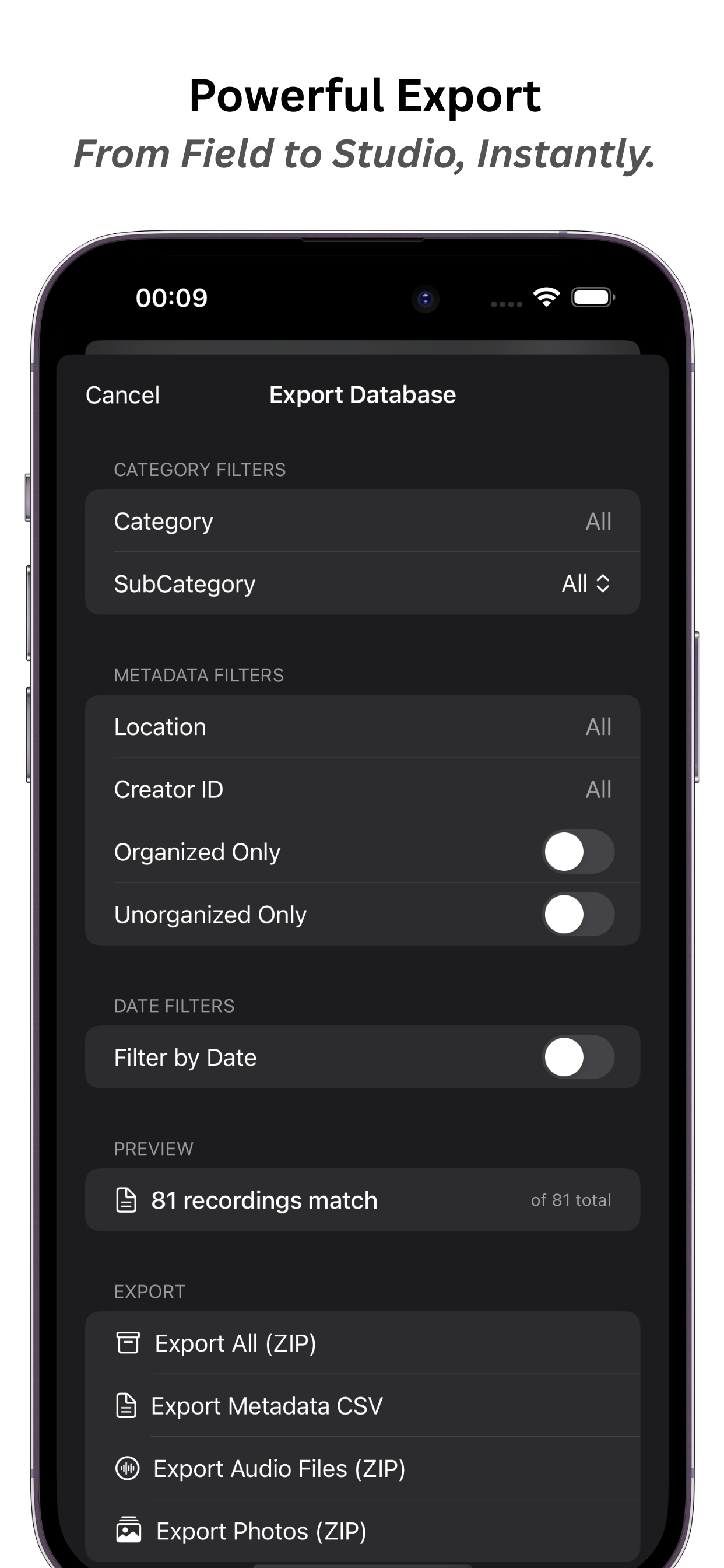
You can easily export your data by navigating to the Settings or directly from the file browser. Sonidata allows you to export filtered subsets of your library as complete ZIP archives, which include your audio files, any attached camera photos, and a comprehensive CSV file containing all UCS metadata.
Absolutely. Using the iOS Share Extension, you can import external audio files (such as .wav, .m4a, .mp3, .aiff, and .caf) directly into Sonidata from other apps. They'll be automatically moved into your Sonidata Documents folder for tagging and organization.
Need personal assistance?
Our support team is ready to help you troubleshoot, optimize your workflow, or receive bug reports.